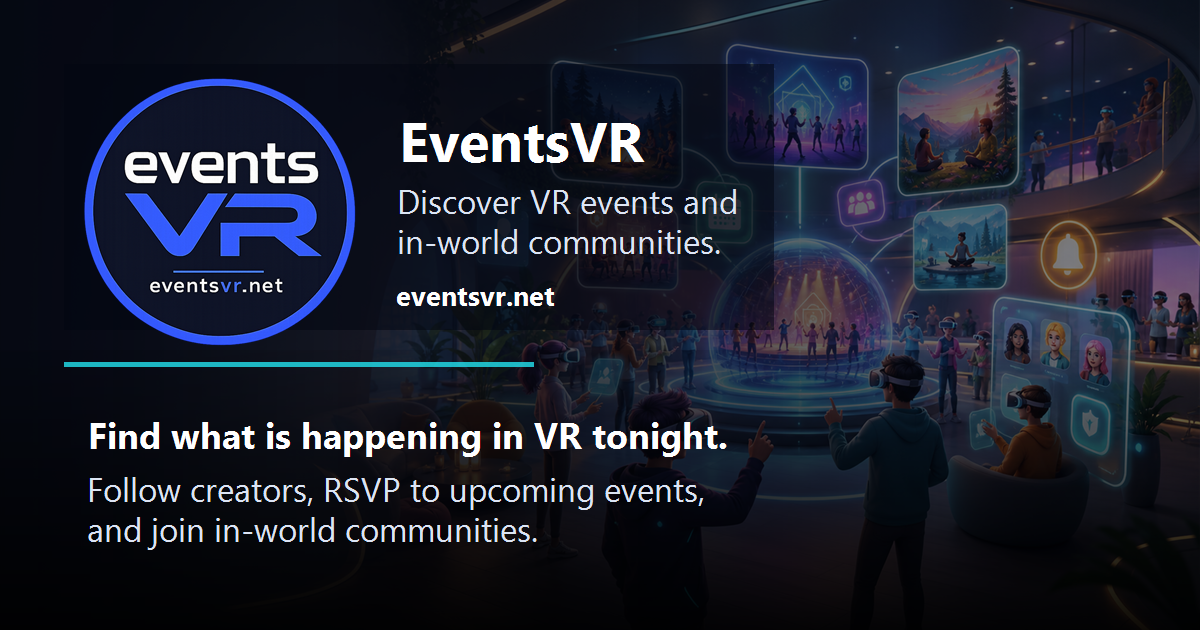
EventsVR is open at eventsvr.net as a community directory for VR events, channels, hosts, and attendees.
For VR creators and community organizers, the useful part is straightforward: EventsVR gives public event listings a dedicated home, with tools for finding VR events, following organizer channels, and sharing event pages outside the usual Discord-server announcement loop.
What EventsVR Is For
EventsVR focuses on VR event discovery and community publishing. The Events page lists public events with sorting and filtering, and the site documentation says visitors can browse live, upcoming, and past public events, filter by platform, category, date range, or free events, and use a six digit event code to jump directly to an active event.
EventsVR also includes community channels. Channels group events from a creator or community, and members can follow channels so they stay in their subscribed channel list.
Member Accounts
EventsVR offers free member accounts for profile and discovery tools. The site documentation says members can register, complete a profile, set a timezone, choose VR platforms, and manage account settings for profile and notification preferences.
Public profiles are part of the site identity system. EventsVR lists display names, avatars, bios, platform selections, profile privacy, public profile sharing, profile badges, and social tools among its account features. The docs also note that e-mail addresses do not appear on public profiles.
For community safety, EventsVR lists privacy controls, account blocklists, report flows, moderation support, and support tickets. The footer also makes the operating model clear: event content is submitted by creators, and EventsVR says it does not host or moderate the listed events.
Host And Channel Tools
EventsVR separates regular member discovery from host publishing. Its About page says users can start as members, then upgrade to host access for publishing events, managing listings, maintaining a channel, and growing a VR audience.
The host feature set includes event and channel branding with thumbnails, banners, descriptions, social links, VRChat group links, and channel identity details. Recurring events are also listed, covering regular meetups, weekly sessions, ongoing shows, and repeated community programs.
That makes the site relevant for VRChat clubs, creator groups, social communities, education sessions, recurring meetups, world tours, and VR groups that need a public event page instead of another temporary chat announcement.
Feeds, Calendars, And Sharing
EventsVR is not only a browsing page. The feature list includes public JSON feeds, calendar files, channel feeds, event feeds, and widgets. Events, channels, profiles, feeds, and calendar routes are described as shareable, which matters for communities that want to surface event schedules on their own sites or in external tools.
The site also describes itself as mobile-friendly and installable as a PWA, so members can use it on desktop or mobile and return through an app-style shell.
Creator Takeaway
EventsVR is worth watching if your community runs VR meetups, creator sessions, world tours, performances, classes, or recurring social events. The most useful pieces for organizers are the public event pages, channel follows, recurring event support, branding fields, and feed or calendar routes.
For attendees, the value is simpler: browse events, follow channels, keep profile and timezone settings current, and use notification preferences so event discovery does not depend entirely on catching a message in the right chat at the right time.
